Best Time Clock App for Construction Crews in 2025: Top 8 Tools Compared
Compare the top 8 time clock apps for construction crews in 2025, with GPS, offline mode, and payroll features to match your team's needs.
Labor is the single biggest controllable cost on most construction projects — and it's also the easiest to lose track of. When crews bounce between job sites, work in dead zones with no cell signal, and scribble hours on paper at the end of the week, small errors snowball into payroll disputes, billing headaches, and compliance risk. Industry estimates suggest roughly 40% of contractors still rely on paper time cards, which is exactly why a purpose-built time clock app has become standard kit for field teams.
But "time clock app" covers everything from a $4-a-head punch tool to a full GPS-and-job-costing platform. This guide compares the eight tools construction crews actually use in 2025, what each does best, and how to match one to your crew size, job structure, and payroll process.
What makes a construction time clock app different
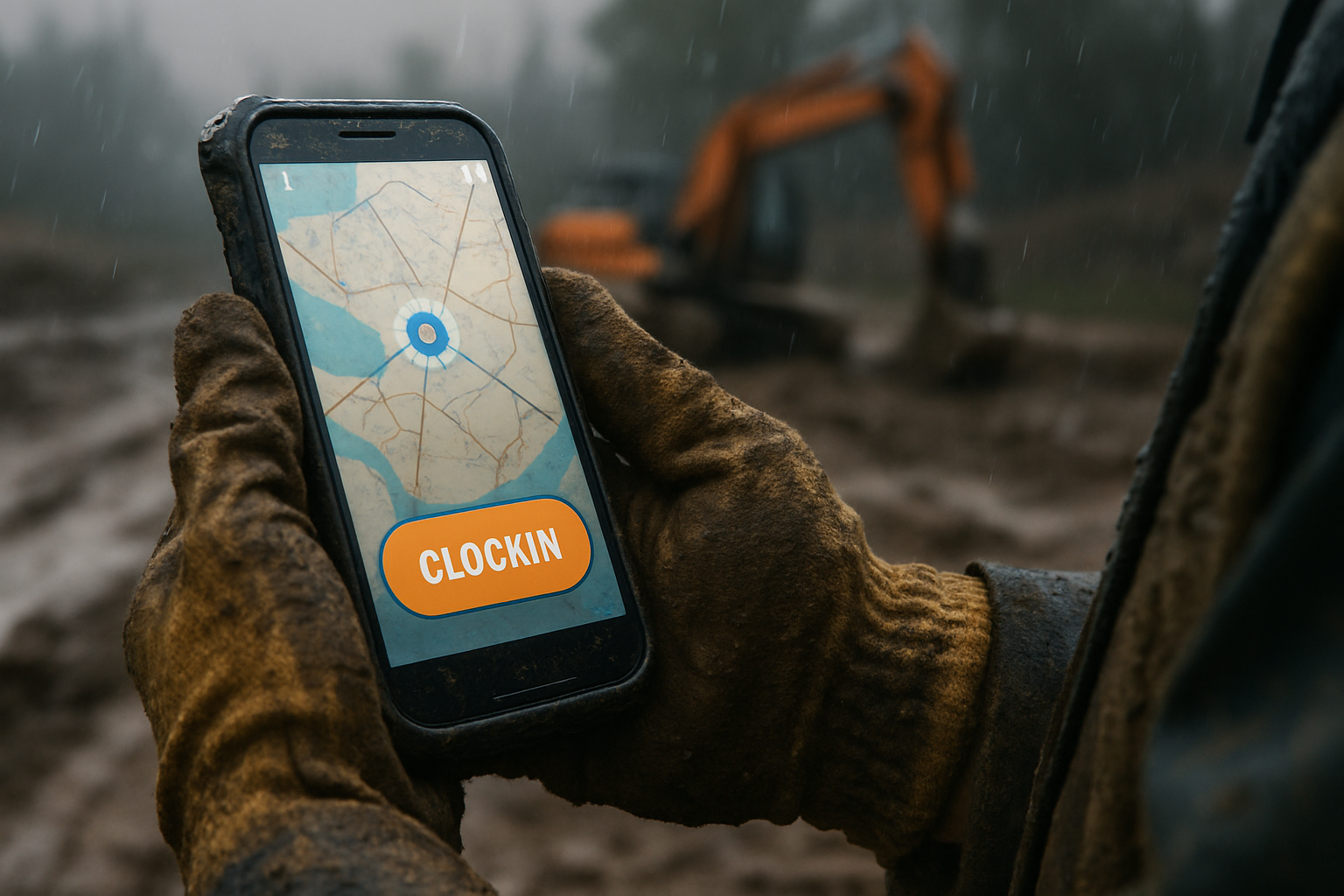
Construction sites break almost every assumption a generic office time tracker is built on. Workers move from site to site throughout the day, often in remote areas with weak or no internet, in rain, dust, and rough conditions. A tool built for the field has to handle all of that without slowing anyone down.
When you evaluate options, prioritize these features:
- GPS and geofencing: Geofencing ensures workers can only clock in or out within designated job-site areas, which helps prevent time theft and inaccurate payroll.
- Offline mode: The app should let crews clock in without a signal and sync the data automatically once a connection returns.
- Job and cost-code tracking: Workers need to link hours to a specific job, site, or task so labor time is easy to track against each project.
- Break and overtime rules: The software should automatically log breaks and flag overtime so payroll stays compliant.
- Payroll-ready timesheets and integrations: Direct integrations with QuickBooks, ADP, Paychex, or Gusto are preferable to third-party links.
- Field-friendly design: If your least tech-savvy worker can't clock in within seconds, adoption fails.
One more, often overlooked: GPS tracking laws vary by state, so make sure your crew is informed and you're complying with local privacy and GPS-tracking rules before you enable location features.
The 8 best time clock apps for construction crews in 2025
1. Workyard — best for GPS accuracy and certified payroll
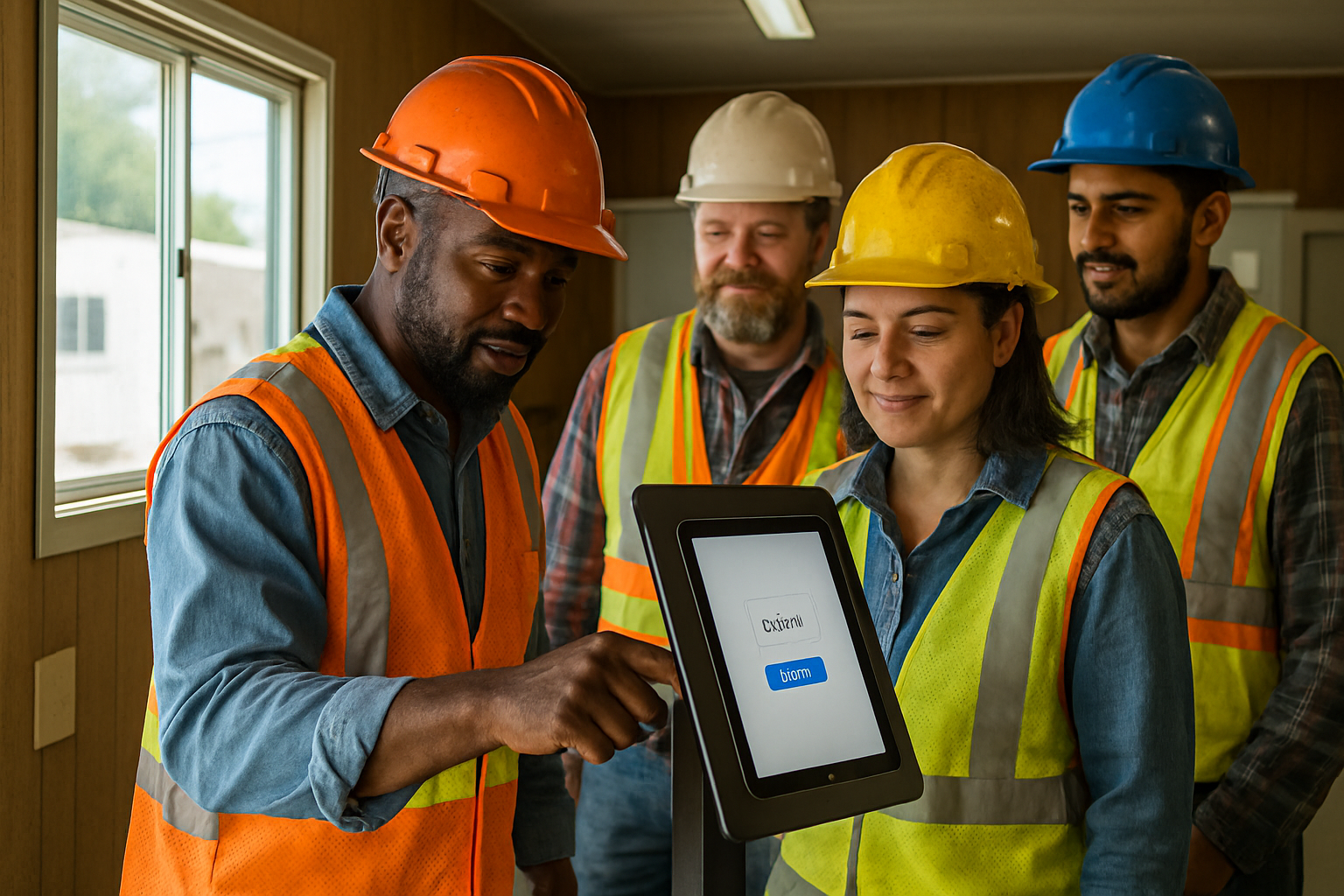
Workyard consistently tops construction-specific roundups, and the reason is precision. Rather than relying only on geofences or periodic pings, it uses high-precision, real-time GPS to record exact job-site arrival and departure times for every worker. It was created by a founder who managed a 700-worker contracting business, and that shows in features like continuous GPS, geofenced clock-ins, and automated cost-code assignment. It also handles supervisor batch clock-ins, kiosk mode, and Photo ID verification.
Pricing runs $6–$13 per user per month plus a $50 base fee. It's the strongest pick for contractors running prevailing-wage or certified-payroll projects, though the per-user-plus-base structure makes it pricier for very small crews.
2. busybusy — best for equipment-heavy crews
busybusy is built for firms that need to track machinery alongside labor. When workers clock in at a site they can log which equipment they're using, creating a record of both labor hours and equipment utilization that's valuable for job costing and estimating. It pairs GPS and photo verification with light scheduling. Note that busybusy was acquired by Align Technologies in 2025 and now operates under the AlignOps umbrella, though product, pricing, and support remain unchanged.
There's a capable free plan, and it offers unlimited users, time tracking, job codes, and equipment location tracking at no cost, with paid plans adding GPS location history and a safety sign-off feature. Best for heavy civil, excavation, and demolition crews.
3. ClockShark — best for built-in scheduling and invoicing
ClockShark is one of the longer-established contractor tools, combining time tracking with scheduling and light CRM/invoicing. Its clock-out questions feature is handy for pulling real-time updates from the field, and it offers GPS, geofencing, team chat, and document sharing. One caveat from reviewers: its facial recognition only works in the kiosk clock, so it may not protect crews spread across multiple locations.
Pricing starts around $9 per user per month plus a $40 base fee. A solid middle-ground choice for small-to-mid contractors who want time tracking and invoicing in one place.
4. Connecteam — best all-in-one workforce app
If you want time tracking bundled with scheduling, messaging, forms, and checklists, Connecteam is the most complete generalist. Crews clock in with a single tap from their phones, a desktop, or a shared kiosk, and each clock-in records a GPS location attached to the timesheet. Usefully, managers can make GPS optional, required to clock in, or disabled entirely depending on company policy.
The trade-off is depth: because the feature set targets many industries, construction job-costing depth can feel limited, and the basic plan starts at $29 per month. Great for mixed deskless teams; possibly too shallow for complex multi-project job costing.
5. ExakTime — best for rugged sites and multilingual crews
ExakTime leans into harsh-environment construction. It's focused entirely on construction, offering real-time GPS, equipment tracking, and optional rugged physical time-clock kiosks, plus in-app translation into English, Spanish, and French. Its anti-buddy-punching tool, FaceFront, asks workers for a selfie at clock-in, but it isn't true facial recognition, so it still requires manual manager review. A good fit for large firms with fixed sites and multilingual crews.
6. Buddy Punch — best budget pick
Buddy Punch isn't construction-only, but it's frequently named the most affordable option with the features small contractors actually need. It pairs GPS tracking, geofencing, job costing, and variable pay rates with built-in Spanish translations, and its strength is overtime rules, PTO tracking, and flexible wage-rule configuration. Best for smaller crews focused on wage compliance without a big software budget.
7. Timeero — best for offline reliability and mileage
Timeero is the pick when connectivity is your biggest enemy. It excels at offline tracking that saves location and time data when cell service drops, and adds robust GPS, geofencing, mileage logging, and segmented tracking for multiple job sites. The mileage feature is a differentiator for crews that bill for travel. One limitation noted by reviewers: there's no bulk-editing feature for timesheet entries, which can slow admins down.
8. ConstructionClock — best for fully automatic clock-ins
ConstructionClock takes a hands-off approach: it eliminates manual clock-in/out using geofencing, with high-frequency GPS logging plus task management and scheduling. Crews clock in automatically by simply walking onto the job site, and the app exports to QuickBooks, Xero, PDF, and other formats. The automatic model is a genuine relief for teams whose workers chronically forget to punch in — just be aware that continuous background GPS raises battery and privacy considerations worth discussing with your crew.
How to choose the right time clock app for your crew
The "best" tool depends on your crew size, job-site complexity, and how you run payroll. A few practical filters:
- Match GPS depth to your risk: If you bill clients by location or run prevailing-wage work, prioritize continuous, high-frequency GPS over a single clock-in ping.
- Test offline in real conditions: Run demos in low-signal areas to see how fast workers actually clock in.
- Check your payroll integration first: If the app doesn't sync cleanly with QuickBooks, ADP, or Gusto, you'll re-key data and lose much of the time savings.
- Account for union and certified-payroll needs: Union contractors have unique compliance requirements, so confirm which integrations and reports matter most.
- Involve crew leaders early: The best app is the one your team actually uses; expect some resistance from long-time employees and plan to train patiently.
It's also worth deciding whether a standalone time clock is enough, or whether you'd be better served by a platform that ties hours to scheduling and dispatch. Many growing contractors find that bolting a time clock onto separate scheduling and crew-management tools creates more admin than it removes. If that sounds familiar, our 2025 buyer's guide to crew management software for construction walks through the trade-offs, and our piece on planning shifts in minutes with a crew scheduling app covers how scheduling and time tracking work better together.
Time clock app vs. spreadsheets: is it worth switching?
For very small crews, a spreadsheet feels free. But manual entry quietly costs you in payroll errors, missed billable hours, and disputes you can't win without proof of who was on site and when. Some vendors report that companies switching from paper timesheets to digital tracking save an average of $700,000-plus in the first year — figures to treat as directional marketing claims rather than guarantees, but the underlying logic holds: verified hours feed payroll and job costing directly, cutting admin time and reducing disputes. If you're still weighing the move, our breakdown of why field teams are switching from spreadsheets in 2025 is a good next read.
It's also worth noting that a construction-grade time clock isn't only for big general contractors. Plenty of these tools scale down well, and if you're a smaller operation, our roundup of the best time clock apps for small businesses compares lighter-weight options side by side.
The bottom line
There's no universal winner. Workyard leads on GPS precision and certified payroll, busybusy and ExakTime shine for equipment and rugged sites, ClockShark and Connecteam bundle scheduling and communication, and Buddy Punch, Timeero, and ConstructionClock each own a specific niche — budget, offline reliability, and fully automatic punches respectively. Start with your biggest pain point, shortlist two or three, and run a free trial with your actual crew on a real job site before committing.
If you'd rather manage time tracking, scheduling, and crew coordination in one place instead of stitching tools together, Early Bird: Crew Management is built to keep the whole field workflow connected. Take a look to see how unified crew management could simplify your payroll week — and your job sites.