Crew Dispatch Software: Send the Right Team to Every Job
Learn what crew dispatch software does, the features that matter most, and how to choose a system that sends the right team to every job without daily chaos.
Morning dispatch hasn't even started and the phones are already lighting up: an emergency call across town, two routine jobs that need to shift later, and a crew stuck in traffic with a van full of materials. Multiply that by every truck you run, and manual scheduling falls apart fast. As one industry guide puts it, crew dispatch software steps in as your digital air-traffic controller—matching jobs to the right people, plotting smarter routes, and pushing live updates to customers. This article breaks down what crew dispatch software actually does, the features that matter, and how to choose a system that gets the right team to every job without the daily chaos.
What Crew Dispatch Software Actually Does
Dispatching is easy to confuse with scheduling, but they solve different problems. Scheduling is the process of planning crew availability and job timelines in advance, while dispatching is the real-time act of assigning those jobs and managing changes as conditions shift. Put simply: scheduling sets the plan, and dispatching keeps it on track when the field throws a curveball.
At its core, field service dispatch is the process of assigning, coordinating, and communicating job details to crews in real time—making sure the right one reaches the right location with the tools, information, and timing needed to finish the job efficiently. That's a lot of variables to juggle at once. Modern dispatch management software automates job assignment, route optimization, real-time tracking, and team communication, transforming how field service teams operate.
The shift away from whiteboards and spreadsheets isn't just about convenience. Many teams still rely on spreadsheets or whiteboards to assign jobs, but these tools can't account for technician skills, live availability, or travel time—so scheduling becomes reactive rather than strategic, leading to double bookings, delayed responses, and idle time between appointments. If you're weighing the trade-offs of leaving manual tools behind, it's worth reading our deeper comparison of crew management software versus spreadsheets.
Why Sending the Right Crew Matters So Much
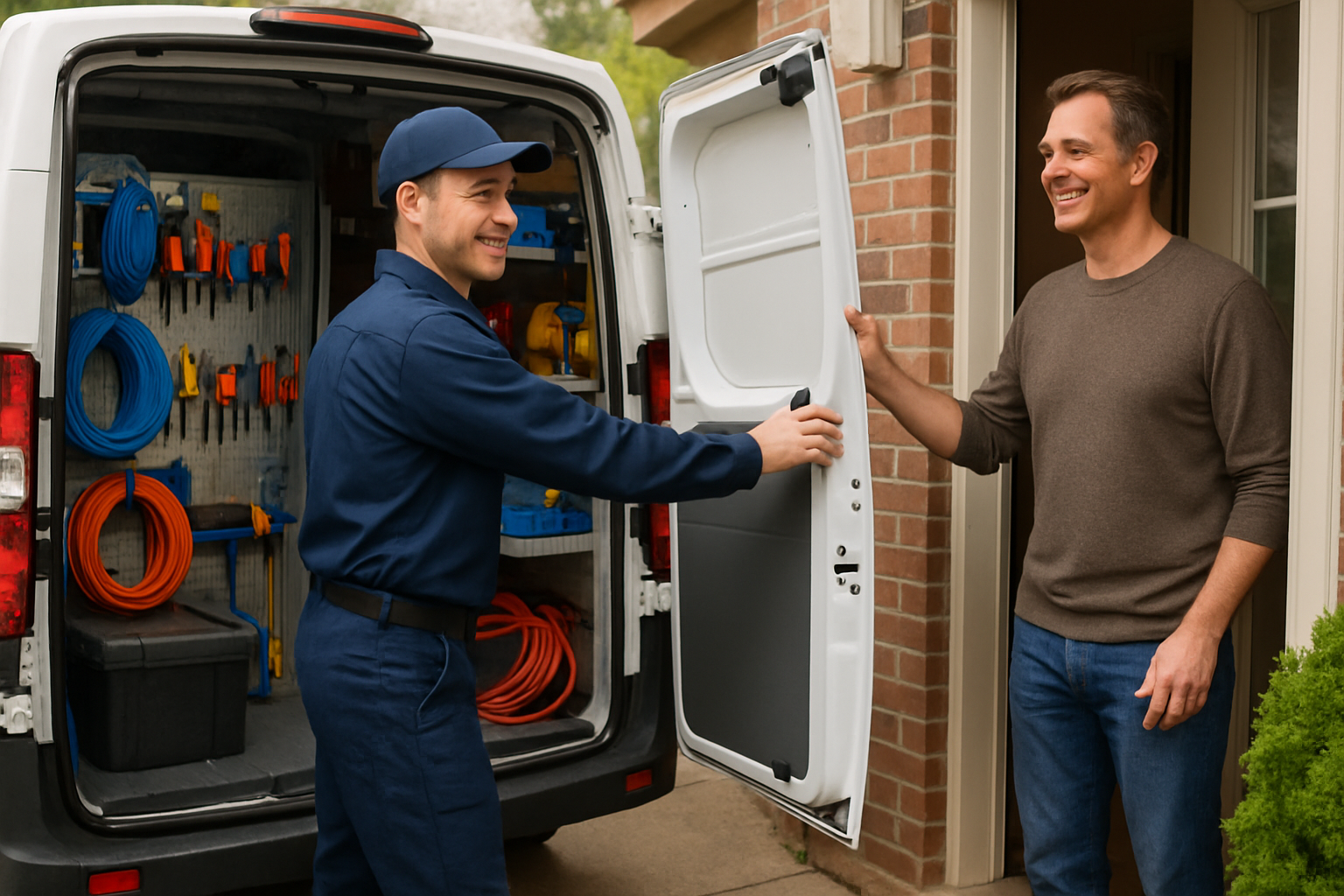
Getting the wrong person to a job is expensive in ways that don't always show up on an invoice. A crew without the right skills or equipment often can't finish on the first visit, which means a return trip, more drive time, and a frustrated customer. The whole goal of intelligent dispatch is to avoid that. Good systems identify the technician who not only has the required skills but is also located closest to the job site, minimizing travel time and fuel costs—which is crucial for improving first-time fix rates.
The downstream effects are real. Faster response times and more accurate arrival estimates lead to higher satisfaction and loyalty, while organizations see increased crew productivity, reduced operational costs, and the ability to handle more jobs per day without expanding the workforce. Customers notice the difference too: dispatch software gives the back office a control board showing where crews are on their routes and whether they're behind or ahead of schedule, which lets dispatchers add last-minute calls and adjust the schedule on the fly.
The Features That Actually Matter
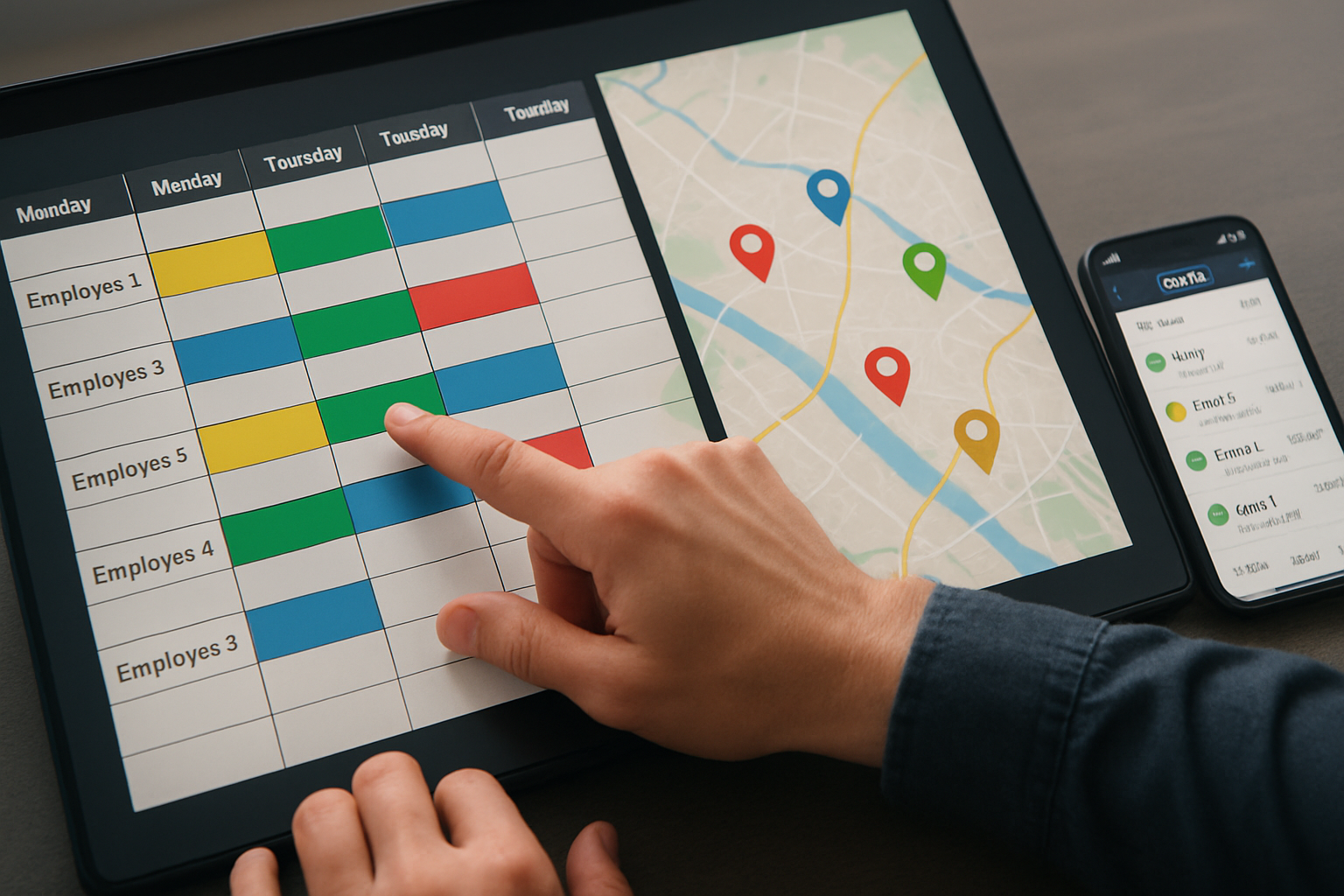
Dispatch platforms vary widely, but a handful of capabilities separate genuinely useful tools from glorified calendars. Here's what to prioritize.
Skills- and location-based assignment
This is the heart of "sending the right crew." The best tools help you avoid wrong assignments by weighing technician skills, availability, and location so you can send the best-fit crew to the jobsite faster. Smart dispatching also gives you access to up-to-date information that improves resource allocation and ensures the best-equipped crew is assigned to each job site. To support this, dispatchers need a reliable record to draw from—maintaining a comprehensive database of technician skills, certifications, and expertise so there's a clear understanding of each person's capabilities.
A real-time dispatch board with live tracking
A visual board is where dispatchers spend their day. Look for easy-to-use drag-and-drop controls and color coding so managers can quickly see what's important, with real-time adjustments when changes inevitably occur. Pair that with GPS. With real-time GPS and mobile apps, dispatchers can monitor where crews are throughout the day, and when an urgent call comes in, they can quickly identify who's nearby and reroute them without guesswork.
A genuinely usable mobile app
Dispatch only works if the field gets the message instantly. Crews should receive automatic updates on new jobs and changes, eliminating the back-and-forth calls and mistakes that come from miscommunication. One detail buyers often overlook: connectivity. Field crews often work in areas with poor or no signal, so the mobile app should have robust offline capabilities that sync data once a connection is restored.
Route optimization
Travel time is one of the biggest hidden costs in field work. Route optimization minimizes travel distance and time, decreasing fuel, maintenance, and overtime costs. The goal is to create the most efficient routes, decreasing crew downtime and time behind the wheel.
Reporting and integrations
You can't improve what you can't see. You need visibility into technician utilization, response times, job completion rates, and revenue per job—without data, you can't improve. Just as important, the software has to fit your existing stack. Dispatch software should connect cleanly with your CRM and accounting system—QuickBooks being the most common—because a platform that doesn't integrate forces double data entry. If your crews log hours on the job, integrated time tracking is worth confirming too; our roundup of the best time clock apps for small businesses covers what to look for there.
How Automation Changes the Dispatcher's Day
The dispatcher's job is relentless. Their role is fast-paced and demanding—juggling service requests, urgent jobs, technician availability, and shifting priorities, sometimes across hundreds of calls a day. Automation doesn't replace that judgment; it removes the busywork around it.
Consider a common scenario. A service agreement requires a specific technician to handle a certain type of job—instead of forcing a dispatcher to manually search for that person, an automated system assigns them automatically, and even labor policies like avoiding overtime can be built into the logic. The payoff is strategic: automation lets dispatchers focus on optimizing the bigger picture while the system handles routine matching of technicians, parts, and appointments.
This is also where the industry is heading. According to Gartner, by 2025 more than two-thirds of field service work will be scheduled by machine-learning-informed algorithms and bots, up from 25% in 2020. The practical takeaway is that dispatchers are evolving from manual coordinators into strategic overseers—a transition that works best when you invest in dispatcher training so your team can move from manual coordination to managing an automated process.
What It Costs
Pricing varies dramatically by platform and team size, and the headline number rarely tells the whole story. Recent market data shows the spread clearly: Housecall Pro starts around $59/month for one user, Service Fusion uses flat-rate pricing from roughly $192/month for unlimited users, FieldPulse runs about $65 to $115 per user per month, and ServiceTitan ranges from $250 to $500 per technician per month based on user-reported figures. One important caveat: add-ons typically push real costs above the base plan price for most platforms, so always price out the full configuration you'll actually use.
If you're a smaller operation wondering whether the investment is justified, the answer is usually yes. Even a 3-to-5-person team benefits from automated scheduling and customer notifications, because the manual coordination it replaces adds up to several hours per week. For a closer look at options sized for smaller teams, see our guide to the best crew management software for small businesses.
Dispatch Best Practices to Pair With Your Software
Software amplifies a good process—it won't fix a broken one. A few habits make the biggest difference.
- Standardize intake. Every job starts at intake, and if you botch the details there, everything downstream suffers—a standardized intake checklist ensures every dispatcher gathers the same essential details.
- Prioritize by urgency. Prioritize tasks based on urgency and technician availability, scheduling high-priority work promptly to address urgent customer needs.
- Stay flexible. Job requests change by the hour, and a dynamic scheduler lets dispatchers shift jobs on the fly without losing visibility of the overall workload.
- Keep communication tight. Maintain clear communication channels between the office and field crews, and check in regularly to ensure teams have the information they need.
For subcontracted labor, the coordination challenge is a little different—our guide to the best apps to manage subcontractor crews on the job site digs into the specifics there.
Choosing the Right Crew Dispatch Software
Start by being honest about the problem you're solving. If your pain is purely planning who works when, a lighter tool may be enough—and our walkthrough on building a crew scheduling workflow in minutes is a good starting point. If your day is defined by last-minute changes, emergencies, and crews spread across locations, you need real-time dispatch.
From there, evaluate against the essentials covered above: skills- and location-based assignment, a live dispatch board, a mobile app that works offline, route optimization, reporting, and clean integrations with your CRM and accounting tools. Take advantage of free trials—many platforms offer a 14-day free trial with no credit card required—and consider piloting in one high-density service area before rolling out company-wide.
The right system ultimately does one thing exceptionally well: it gets the best-equipped crew to each job, on time and informed, so work gets done right the first time. Done well, dispatch software simplifies field operations, enabling optimized scheduling, real-time tracking, and efficient job dispatching that reduces operational costs and improves customer satisfaction. That's the difference between dispatch feeling like firefighting and dispatch running like a well-oiled machine.